

Blog
Why non-technical teams can build useful AI agents
The people who understand the process are often the best people to design the first useful AI agent, provided training, guardrails and human review are built in.
What shipped
AI agent tools have moved from specialist development environments into places that ordinary business teams can use. Microsoft Copilot Studio, Google AI Studio and similar tools now let a trained non-technical user describe a task, connect approved knowledge sources, set simple rules and test an assistant before it is used in live work.
That does not mean every team should be left to build whatever they like. It means the starting point has changed. A customer service lead, operations manager or training co-ordinator no longer has to wait for a full software project to test whether an agent could help with a narrow internal process.
The important shift is this: the people who know the process can now shape the agent. They know which enquiries are routine, which hand-offs cause delays, which phrases customers actually use and where a person must make the final call.
For an Irish SME, this opens up a practical route. Start with a contained workflow. Train the team on what agents can and cannot do. Build a small prototype. Test it on real examples. Add a named human review step before anything affects a customer, supplier or staff member.
This is decision support, not automatic decision making. A person reviews, tests and approves before operational use.
Who should care
This matters most to teams that live inside repeatable questions and manual hand-offs.
Training teams can build agents that help staff find the right policy, complete onboarding tasks or practise customer responses. Operations teams can draft internal routing rules for incoming requests. Sales teams can prepare first-pass qualification notes. HR teams can help managers find approved wording and forms. Finance teams can triage routine supplier queries before a person responds.
The common thread is not technology. It is process knowledge.
A non-technical team member often knows the detail better than anyone else. They know that one type of email can be answered from a standard policy, while another must go to a manager. They know that a customer asking about delivery, installation and payment terms is not asking one question, but three. They know where the exceptions sit.
That knowledge is exactly what an agent needs to be useful.
Richard recently completed a cross-departmental Copilot Studio workshop for a large organisation. The lesson was simple. Once teams understood the basic shape of an agent, the strongest ideas came from the people closest to the work, not from a technical wish list.
For SMEs, the opportunity is to avoid two bad extremes. One extreme is doing nothing because AI feels too technical. The other is letting people build unsupervised tools with no review, no agreed use case and no test standard.
The better path is guided enablement. Teach people enough to build safely, give them a structure, and keep human approval in the workflow.
A worked example
Take a training team in an Irish SME that receives repeated internal questions about policies, systems and procedures. The current process is simple but slow. Staff email the training inbox. Someone searches through policy documents, previous answers and shared folders. They draft a reply, check whether it is current, and send it back.
A first useful agent does not need to replace that team. It can support them.
The agent is given approved source material: training guides, internal FAQs, current policy documents and process notes. The team defines what the agent may do. It can summarise the relevant policy. It can draft a reply. It can suggest which document the staff member should read. It cannot issue final HR advice, approve exceptions or answer from memory where no approved source is found.
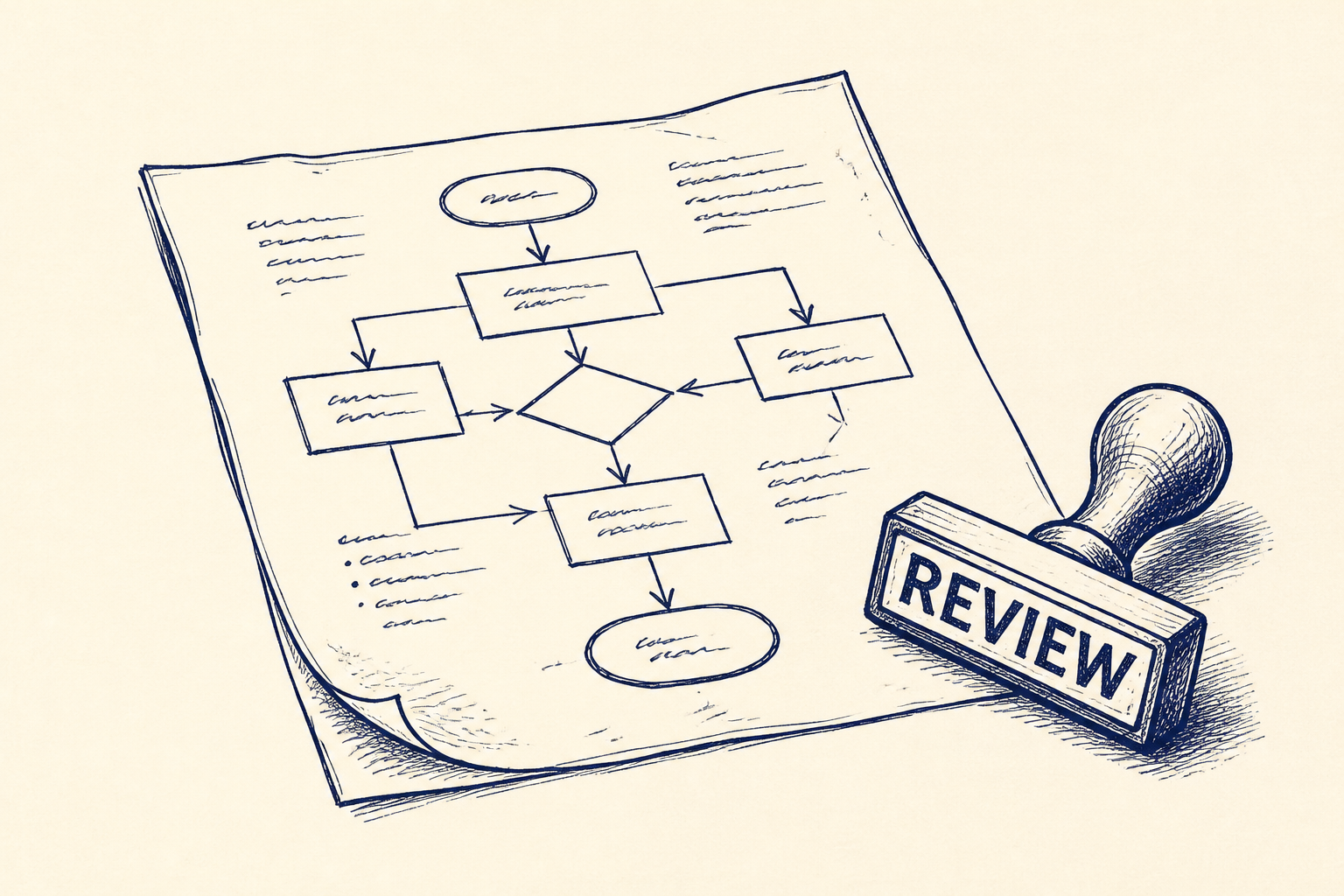
The workflow might look like this:
- A staff question arrives in the training inbox.
- The training team pastes or routes the question into the agent.
- The agent drafts an answer grounded in approved documents.
- The agent shows the source material used.
- A named person completes the human review step, called Training Lead Review.
- The reviewer edits, approves or rejects the draft.
- Only the approved answer is sent.
That named review step matters. It makes the tool usable without pretending it is perfect. It also gives the team a way to spot gaps. If the agent keeps failing on the same question, the problem may be unclear source material, not the AI.
The first version should be deliberately narrow. For example, answer questions about onboarding only, or about one internal system only. Once the team has tested enough real cases and agreed the review standard, the scope can widen.
This is the kind of agent-building training Artellis is focused on: practical, bounded and designed for people who own the workflow. You can see the training offer here: AI agent-building training for non-technical teams.
If you want broader context on how SMEs can use AI without turning it into a large technology programme, the Artellis insights library is a useful next stop.
Where I'd start
Start with one process that is annoying but not dangerous.
Good first candidates are internal questions, document lookups, draft responses, meeting preparation, booking qualification or routing requests to the right person. Avoid anything where the first version would make a binding decision, give sensitive advice or update important records without review.
Then run a short agent-building session with the people who do the work. Do not begin with the tool. Begin with the workflow.
Ask four questions:
- What question or request repeats every week?
- What approved material should the answer come from?
- What must the agent never do?
- Who reviews the output before it is used?
Those answers are enough to shape a first build.
The aim is not to create expert AI builders across the whole company. The aim is to give process owners enough skill to spot useful agent opportunities, build safe first versions and know when to ask for help.
For many SMEs, that is the practical next step. Not a large AI strategy. Not a platform rollout. A small group learns by building one useful agent around one real workflow, with a person clearly responsible for review.
If that sounds like your team, start by booking a short call about agent-building training. Bring one workflow that wastes time every week. That is usually enough to find the first safe, useful experiment.
Common questions
- Can my non-technical team really build AI agents?
- Yes, if the work is kept narrow and the team is trained properly. The best first agents support repeatable tasks such as finding information, drafting replies or routing requests, with a person reviewing the output before use.
- What is a safe first workflow for agent-building training?
- Choose a process that repeats often but does not involve a final decision being made by the agent. Internal FAQs, onboarding questions, document lookup and draft email responses are good starting points because they can be checked by a named reviewer.
- Do we need Microsoft Copilot Studio or Google AI Studio already in place?
- No, but it helps to know what tools your business already uses and what data they can safely access. Training can focus on the most suitable tool for your environment, while keeping the main emphasis on workflow design, testing and human review.
One Workflow
One workflow a week, worth automating.
I look at what your company actually does and write you a short letter: the opportunity, the likely hours it gives back, how involved it is, where the human review sits, and a first step you could run yourself this week. Founding cohort, limited to 100 companies while I personally review every week's recommendations. Reply to any letter and you reach me, not a form.
See a sample letter and how it works
Everything in the letter is decision support: review, test and approve before anything runs in your business. Your email is used for One Workflow only.