

Blog
Turn scattered sales enquiries into reviewed CRM records
An AI-assisted lead intake workflow can reduce retyping, speed up follow-up, and still keep a salesperson in control.
What shipped
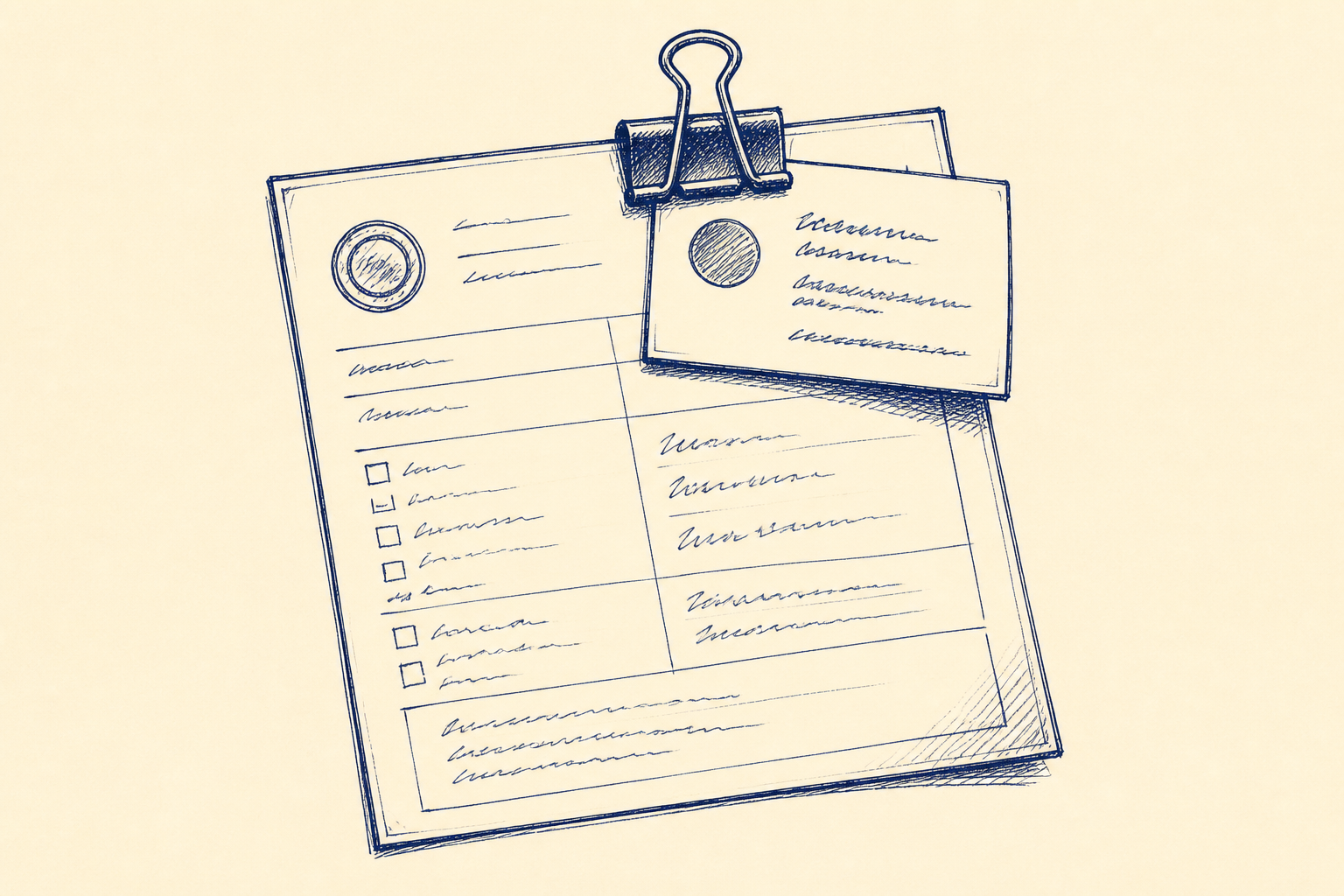
Small business automation tools are now making a very practical sales workflow easier to build: new lead intake from forms, emails and website chat into a CRM. The useful part is not that an AI model can write a clever reply. The useful part is that it can read an unstructured enquiry, pull out the fields your sales process needs, and prepare a clean record for review.
For an Irish SME, this is the difference between leads sitting in three inboxes and leads appearing in the CRM with the right owner, source, need and next action. A typical workflow can watch one or more intake channels, extract the contact name, company, phone, email, message, service interest, location, urgency and consent status, then create or update the CRM record. It can also draft a first response or a qualification email.
That draft should not send itself. The right pattern is decision support, reviewed by a person before operational use. In this workflow the named human review step is Lead Review and Approval. A sales administrator, account manager or business owner checks the extracted record, confirms the routing, edits the draft reply if needed, and approves the next step.
The technology behind this is now ordinary enough to use in a days-to-weeks project. AI can classify the enquiry, summarise the need, and turn free text into structured CRM fields. Workflow automation can then move the data between the website form, shared mailbox, chat tool and CRM. The design work is in the rules, exceptions and review points, not in training a model from scratch.
This is a good fit for Artellis workflow design: map the current intake path, decide what should be automated, put a human approval step in the right place, and build a first version around the tools the business already owns.
Who should care
This is for any owner or manager who suspects that sales opportunities are being lost in admin. It is especially relevant where leads arrive from several places: a website form, an info@ mailbox, a salesperson's direct email, a web chat widget, LinkedIn messages copied into email, or partner referrals.
The pain usually shows up in small ways. Someone retypes the same contact details into the CRM. A lead is answered twice by two different people. A promising enquiry sits unread because it arrived late on Friday. A rep forgets to set the source, so marketing cannot tell which campaigns worked. A manager asks how many new leads came in this week and gets a spreadsheet instead of a clear answer.
This does not require an enterprise CRM or a large IT project. It suits firms with 10 to 250 people where the sales process is known but unevenly followed. Examples include professional services firms, distributors, training providers, construction suppliers, managed service providers, engineering firms and local service businesses with a national customer base.
It is less useful if every enquiry already arrives through one well-structured form and the CRM is kept perfectly. It is also a poor fit if the business wants the system to make binding decisions without review, such as rejecting prospects, making price commitments, or sending legal or contractual responses. Those actions still need a person.
A good test is simple: if a capable staff member can read an enquiry and know what CRM fields to fill in, an AI-assisted workflow can probably prepare that record for review. If the staff member would need to make a commercial judgement, the workflow should stop and ask for approval.
For context on the wider pattern, see our related Artellis insight on practical AI opportunities for SMEs at the insights hub.
A worked example
Take a 35-person Irish B2B services company. New enquiries arrive through a website form, an info@ mailbox and a chat tool used during office hours. The CRM is the right place for all new leads, but it is updated inconsistently because the sales team is busy.
Today, the office manager checks the mailbox twice a day. Website leads are emailed to the same inbox. Chat transcripts are copied manually when someone remembers. The manager opens each message, decides whether it is a new company or an existing customer, searches the CRM, creates or updates the record, adds a note, assigns the lead, and sometimes drafts a reply. If the enquiry is vague, it may sit until a salesperson has time to look at it.
In a redesigned workflow, the first version starts with the shared mailbox only. That keeps the scope tight and proves the pattern before adding chat or other channels.
When a new enquiry arrives, the workflow checks whether it looks like a sales lead rather than a supplier message, invoice, newsletter or support request. It extracts the sender's name, email, phone number if present, company, website, location, service interest, urgency, source and original message. It also creates a short plain English summary: what the person appears to need, by when, and any obvious next question.
The workflow then searches the CRM for a matching email domain, email address or company name. If it finds a likely match, it prepares an update to the existing record. If it does not, it prepares a new lead record. It applies agreed routing rules, for example: existing customer to account manager, public sector enquiry to one named person, urgent service issue to support triage, all others round-robin across sales.
Next, it drafts a welcome or qualification email. For example, if the prospect asks about a service but gives no budget or timing, the draft thanks them, confirms the understood need, asks two or three qualification questions, and offers a call slot. If the enquiry is urgent, the draft can be shorter and flag the assigned owner.
Nothing is written permanently or sent until the Lead Review and Approval step. The reviewer sees the original enquiry, extracted fields, proposed CRM action, routing decision and draft reply. They can approve, edit, reassign or reject the automation output. Rejections are useful because they show where the rules need tightening.
After approval, the workflow creates or updates the CRM record, logs the original message, stores the summary, assigns the owner, sets a follow-up task and sends the approved email. The result is not a fully automated salesperson. It is a cleaner hand-off from enquiry to human follow-up.
The value signal is easy to measure. Track time from enquiry received to CRM record ready for review, time to first response, number of leads missing a source, and number of enquiries found sitting outside the CRM. Even a modest improvement can matter if it turns next-day replies into same-day replies.
Where I'd start
Start with 20 recent enquiries. Pick real examples across good leads, weak leads, existing customers, spam, supplier messages and awkward edge cases. Do not start by connecting every channel. Start by understanding what a good human currently does.
Then agree the CRM fields that matter. Keep the first set small: name, company, email, phone, source, service interest, urgency, owner, status and notes. Add fields only if someone will actually use them. A workflow with ten trusted fields is better than one with forty half-filled fields.
Next, write the routing rules in plain English. Who gets which type of lead? What counts as urgent? What happens when the AI is unsure? Which messages should be ignored, sent to support, or escalated to the owner? These rules are the backbone of the workflow.
Build the first version as draft-only from one intake channel to the CRM. For most SMEs, the shared sales mailbox is the best starting point because it already receives a mix of form submissions and direct emails. Run it beside the current process for a short test period. Compare the AI-prepared records with what a person would have entered.
Set a confidence threshold and exception path. If key fields are missing, if two CRM matches look possible, or if the enquiry includes a complaint, pricing dispute or legal issue, the workflow should stop and ask for manual handling. This protects the business and builds trust with the team.
Finally, train the people who will review the output. They need to know that the system is decision support, not a source of truth. Their job is to check the record, correct it, approve the reply and report bad patterns. Once the first channel works reliably, add the website form, then chat, then any other lead sources worth the effort.
Common questions
- Can AI create CRM records from our sales emails?
- Yes, if the emails contain enough information for a person to understand the enquiry. The safer approach is for AI to prepare the CRM record and draft reply, then a named reviewer checks and approves it before anything is sent or used operationally.
- Do we need to replace our CRM to automate lead intake?
- Usually not. A first workflow can often work with the CRM, shared mailbox and website form you already use, provided they allow basic integration or export. The main work is agreeing fields, routing rules and the human approval step.
- Where should we start if leads come from several places?
- Start with one channel, usually the shared sales inbox, and test against 20 recent enquiries. Once the extraction, routing and Lead Review and Approval step work reliably, add the website form, chat and other sources one at a time.
One Workflow
One workflow a week, worth automating.
I look at what your company actually does and write you a short letter: the opportunity, the likely hours it gives back, how involved it is, where the human review sits, and a first step you could run yourself this week. Founding cohort, limited to 100 companies while I personally review every week's recommendations. Reply to any letter and you reach me, not a form.
See a sample letter and how it works
Everything in the letter is decision support: review, test and approve before anything runs in your business. Your email is used for One Workflow only.