

Blog
Read-only inbox triage for busy SME admin teams
A practical email triage workflow can sort urgency, topics and next actions without giving an AI agent permission to send, delete or commit on your behalf.
What shipped
The useful idea here is not a personal AI agent that takes over your inbox. For an Irish SME, the safer and more valuable version is a read-only inbox triage workflow.
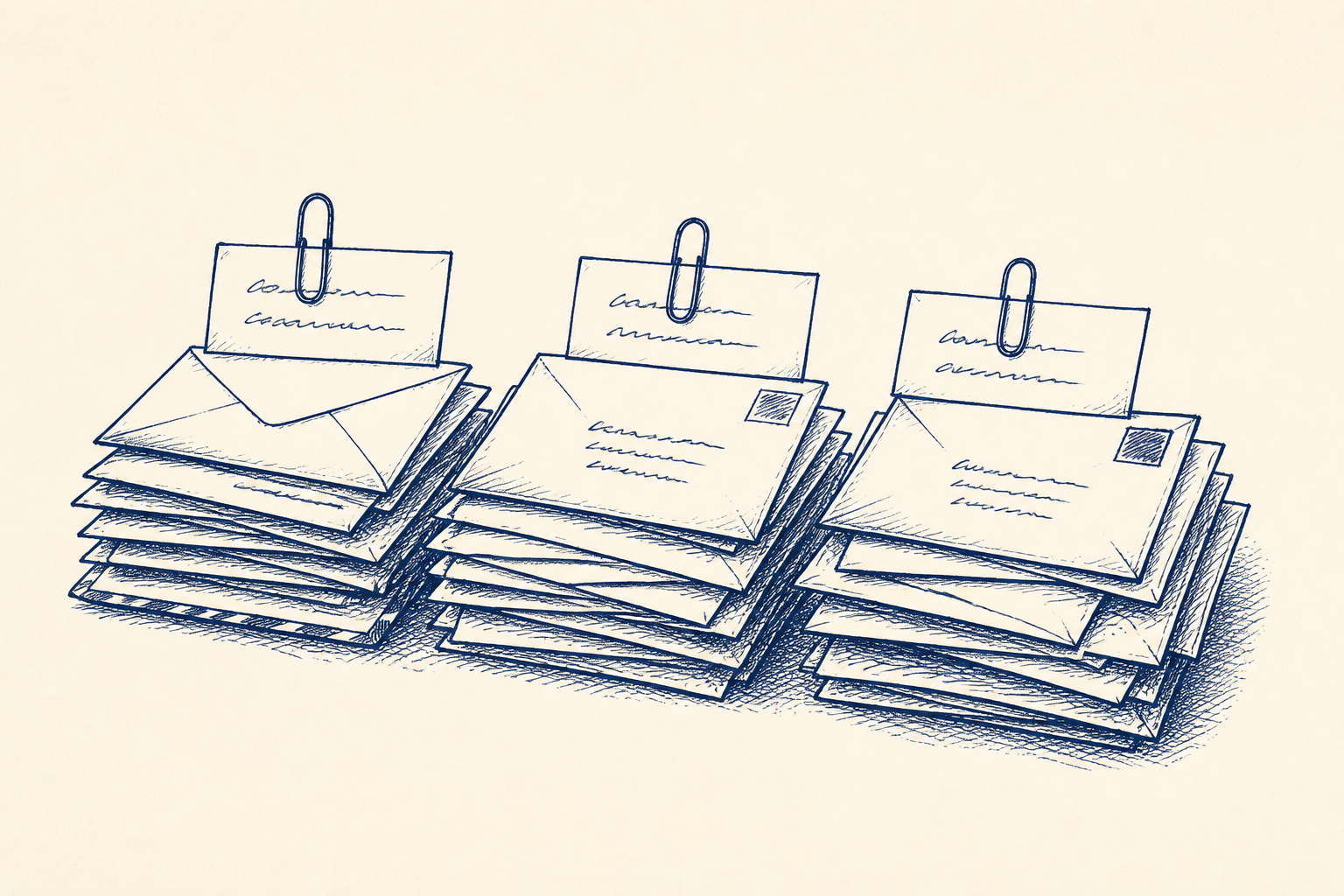
It scans a shared or individual mailbox, classifies messages by urgency, topic and required action, then prepares a daily action list. That list can include suggested replies, follow-up notes, missing information, and items that should be escalated to a manager, sales lead or accounts person.
The important design choice is that the workflow does not send, archive, delete, book, buy or agree anything by itself. It reads a defined sample or mailbox, produces decision support, and waits for a person to review and approve the next step.
That matters because recent coverage of powerful AI assistants has highlighted a real risk: tools that ask for broad access to email, calendar, device activity and other apps can create privacy, security and accountability problems. A small business does not need to hand an assistant the keys to every system just to find the ten emails that matter today.
A better SME workflow is narrower. It answers practical questions such as: Which messages are urgent? Which need a reply? Which are complaints? Which are supplier queries? Which are waiting on someone else? Which can be batched for later?
This is a good fit for Artellis workflow design, because the value is not just the AI model. It is the set of categories, rules, review points and hand-offs that turn a messy inbox into a controlled daily queue.
Who should care
This is for owner-managers, office managers, operations leads and admin-heavy roles where the inbox has become the work queue. It suits businesses where important work arrives by email but is not always handled in a system.
Examples include trades and field service firms, professional services practices, distributors, clinics, training providers, recruitment firms, property businesses and local service companies. The shared pattern is simple: one or more mailboxes receive customer requests, supplier updates, bookings, complaints, invoices, staff queries and sales enquiries. Someone then spends too much time reading, sorting, forwarding and remembering what to chase.
The pain is not usually that staff cannot reply. It is that the first pass is slow. People lose time working out what matters first, which message belongs to which job, and whether a customer is waiting on the business or the business is waiting on the customer.
A read-only triage workflow can save 3 to 5 hours a week for mailbox-heavy roles. It can also reduce missed follow-ups, buried complaints and late responses to time-sensitive queries. That is enough value to justify a small, controlled trial before making any wider change.
It is not a replacement for judgement. The named review step is the Daily Inbox Review. A specific staff member reviews the queue, edits any draft replies, and decides what is sent, archived, assigned or escalated. Until that review happens, the workflow is only decision support.
A worked example
Take a 35-person maintenance company in Galway with a shared admin inbox. Every morning the office manager opens 80 to 120 emails. They include new job requests, tenant updates, supplier delivery notices, invoice questions, health and safety documents, complaints, staff rota changes and messages that are really for accounts.
At present, the office manager skims the inbox, flags a few items, forwards some messages and answers the obvious ones. By 11am, the urgent work has usually surfaced, but the first two hours of the day are fragmented. Some emails are read twice. A few are left because they need a careful reply. One or two are missed until a customer rings.
A read-only triage trial starts with an export or labelled sample of 100 recent emails. No live sending permission is needed. The business and Artellis agree the first set of categories: urgent customer issue, new job request, job update, complaint, supplier, invoice or payment, staff or rota, informational, and unclear.
Next, the escalation rules are written in plain English. For example, any email mentioning water leak, no heat, safety, vulnerable tenant, legal threat or formal complaint is marked urgent. Any email with an invoice attached goes to accounts review. Any message asking for a booking change gets a draft reply offering the approved next step. Any message with missing job details is marked as needs clarification.
The output is a daily action list. It might contain:
- 12 urgent items for review before 10am
- 18 customer messages needing replies
- 9 supplier or delivery updates to file against jobs
- 7 accounts items to forward
- 5 messages that need more information
- 3 draft complaint acknowledgements for manager approval
For each item, the system provides a short summary, the suggested category, the reason it was prioritised, and a proposed next action. Where appropriate, it drafts a reply in the company’s tone, using approved wording. The office manager then completes the Daily Inbox Review, edits the drafts and approves what happens next.
This approach keeps control with the business. The AI does the first pass, not the final act. If the classification is wrong, the reviewer corrects it. Those corrections improve the workflow rules and prompt design before any operational rollout.
If you are comparing this with broader AI assistants, the difference is scope. The workflow does not need access to audio, location, screen activity or every business app. It needs a defined mailbox sample, agreed categories, and a human review step. For more on choosing contained AI use cases, see our AI insights.
Where I'd start
Start with one mailbox and one problem. Do not begin by connecting every account or trying to automate the whole admin function. Pick the inbox that causes the most daily friction and ask what a good first pass would look like.
The first practical step is a read-only trial on 100 emails. These can be exported, anonymised where needed, or selected from a recent period. Label them by hand into the categories you already use, even if those categories are informal. Include awkward examples, not just easy ones.
Then agree the rules. What counts as urgent? What must never be drafted without manager input? Which words or senders should trigger escalation? Which topics belong to accounts, sales, operations or the owner? Which replies can use standard wording, and which need individual judgement?
From there, build a small prototype that produces an action list and draft replies. Test it against another batch of emails. Measure three things: accuracy of classification, usefulness of summaries, and time saved during review. Also record false confidence, where a draft sounds plausible but misses a detail. That is one of the main reasons the Daily Inbox Review must stay in the workflow.
If the trial works, move to a controlled live pilot with read-only access and clear permissions. The reviewer still sends messages manually or through an approved process. Only after repeated testing should you consider deeper integration, and even then, sending or archiving should remain permissioned and auditable.
For many SMEs, this is enough. The goal is not an autonomous assistant. The goal is a calmer inbox, a clearer morning queue, and fewer missed promises.
Common questions
- Can AI reply to customer emails for us?
- It can draft suggested replies, but the safer starting point is to keep a person in control. In this workflow, the Daily Inbox Review is the named human step where a staff member edits and approves anything before it is sent.
- Do we need to give the tool full access to our inbox?
- No. A sensible first trial can run on a mailbox export or a labelled sample of 100 emails. If it later moves to a live pilot, read-only access and clear permissions should be used before any deeper integration is considered.
- How quickly would we know if inbox triage is worth doing?
- Usually within a few days of testing a sample, you can see whether the categories, summaries and draft replies are useful. The key measures are classification accuracy, time saved during review, and whether urgent or follow-up items are easier to spot.
One Workflow
One workflow a week, worth automating.
I look at what your company actually does and write you a short letter: the opportunity, the likely hours it gives back, how involved it is, where the human review sits, and a first step you could run yourself this week. Founding cohort, limited to 100 companies while I personally review every week's recommendations. Reply to any letter and you reach me, not a form.
See a sample letter and how it works
Everything in the letter is decision support: review, test and approve before anything runs in your business. Your email is used for One Workflow only.