

Blog
AI triage for a shared customer inbox
A practical way for an Irish SME to reduce manual sorting of emails, chats and form enquiries without removing human judgement.
What shipped
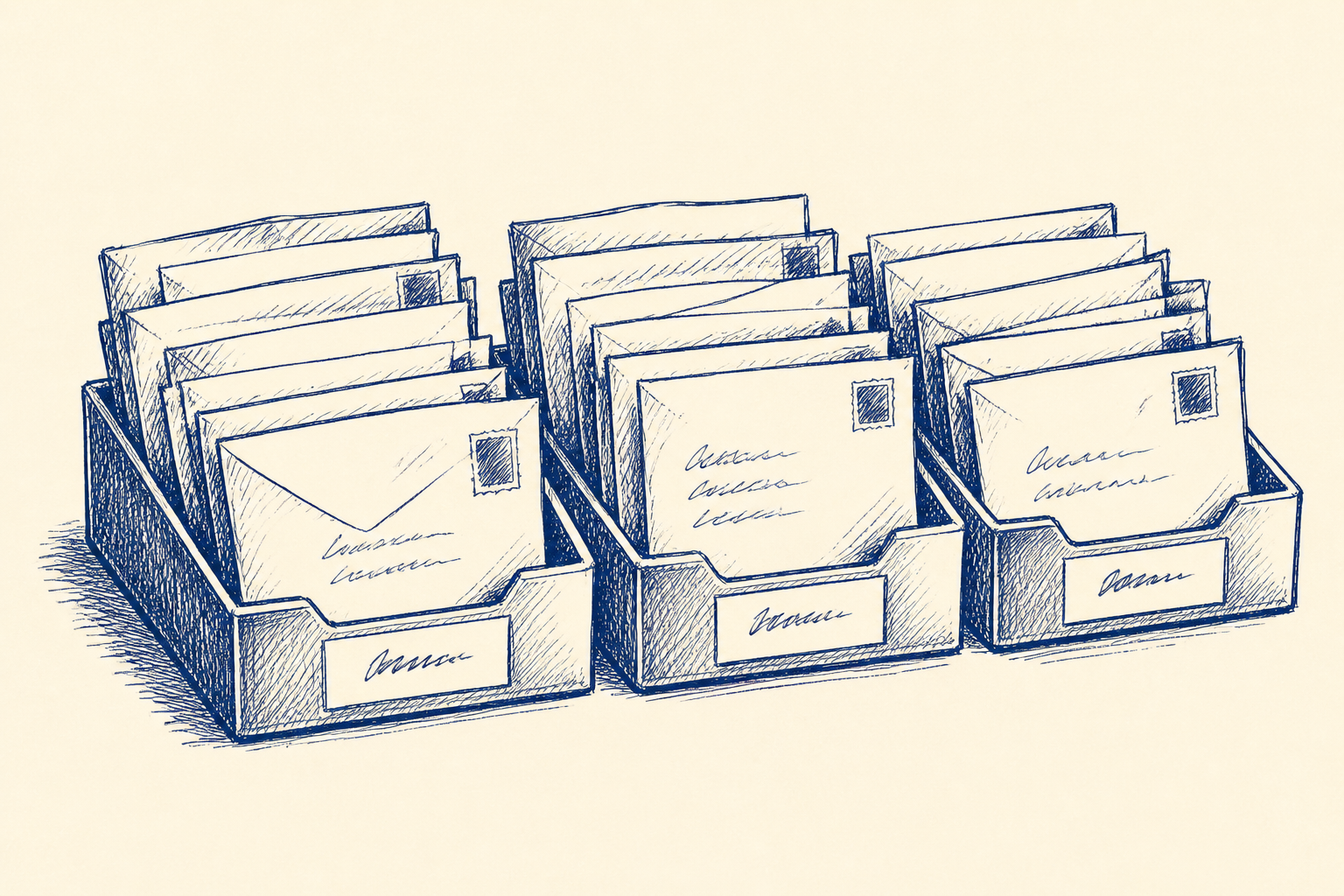
Customer service teams now have a practical option that sits between a fully manual shared inbox and a large helpdesk transformation. Incoming emails, chat messages and website form enquiries can be read by an AI step, classified by intent and urgency, summarised, and sent to the right queue for a person to handle.
This is not about replacing the customer service team. It is about reducing the time spent opening the same inbox, reading the same type of message, deciding who should take it, and then correcting items that were sent to the wrong person.
For an Irish SME, the useful version is narrow. The AI looks at each enquiry and returns a small set of fields: category, urgency, sentiment, customer name, order number if present, a one line summary, and a confidence score. A routing rule then proposes where the item should go. Low confidence items, or anything that looks risky, go to a named human review step called Team lead review.
That last part matters. The output is decision support. A person reviews, tests and approves before the workflow is trusted for operational use. In the early version, the system should suggest routing rather than silently moving every message.
Recent customer support tooling and automation platforms are making this kind of routing easier to build without a six figure platform project. The question for a smaller business is not which product has the longest feature list. The question is whether your actual enquiry flow is clear enough to classify, route and measure.
Who should care
This is worth looking at if your team has one or more shared inboxes such as info@, support@, sales@ or service@, and if several people check them during the day. It is especially relevant where the first job is usually triage rather than resolution.
Typical signs include:
- Customers chase because nobody was sure who owned the first email
- Sales enquiries sit beside complaints, delivery questions and account queries
- A senior person spends part of the morning sorting messages for everyone else
- The team has informal rules that only live in people's heads
- Staff search for order numbers, customer names or project references before they can act
- The wrong person starts replying, then forwards the message after reading it fully
The best fit is a company with repeatable enquiry types. For example, a distributor might have order status, returns, delivery issue, pricing request, credit note, new account, complaint and technical query. A professional services firm might have new lead, existing client request, billing query, appointment change, document request, complaint and supplier message.
It is a poor fit if every message needs expert judgement from scratch, if the inbox volume is tiny, or if the real issue is that nobody agrees who owns which customer process. In that case, the first job is not AI. It is workflow design.
This is why I would sell this as workflow design, not as a chatbot project. The value comes from agreeing the categories, deciding the escalation rules, testing the judgement calls and making the inbox measurable. The AI is only one part of that design.
A worked example
Take a 45 person Irish e-commerce and distribution business. It has a customer service team of six and a shared support inbox that receives 120 messages a day. The messages include order changes, delivery updates, damaged goods, returns, invoice questions, warranty queries and trade account requests.
At the moment, one team lead checks the inbox throughout the day. She opens each message, decides who should handle it, adds a note if needed, and forwards or assigns it. On busy days, she clears the obvious items first and leaves the awkward ones until later. The team is capable, but the inbox creates drag.
A useful first version would not try to answer customers. It would triage.
For each incoming message, the AI step would produce:
- Intent: delivery issue, return, damaged item, invoice query, warranty, new trade account, order change, complaint, other
- Urgency: low, normal, high
- Sentiment: neutral, frustrated, angry, positive
- Entities: customer name, company name, order number, invoice number, product code if present
- Summary: one short sentence for the agent
- Suggested queue: customer service, accounts, warehouse, sales, team lead
- Confidence: high, medium or low
The routing should be deliberately conservative. A clear delivery update with an order number can be assigned to customer service. An invoice query can be routed to accounts with the order number and customer name already extracted. A complaint containing words like legal, refund refusal or repeated failure should go to Team lead review even if the AI thinks it knows the category.
During testing, the team lead labels 100 recent enquiries by hand. Those labels become the comparison set. The AI is then run over the same 100 items. The team compares where it agrees, where it fails, and which categories are unclear.
The first lesson is often not technical. It may show that returns and damaged goods are being used interchangeably, or that sales and service both think they own trade account questions. That is useful. A triage workflow forces the business to make hidden rules explicit.
A sensible target is not 100 per cent accuracy. It is fewer routine decisions for the team lead, fewer misrouted messages, and faster first response for the customer. If 65 out of 100 items are confidently routed, 25 need quick review, and 10 expose messy rules, that can still be a good start.
The workflow should include a daily exception check for the first few weeks. Team lead review should look at low confidence items, complaints, angry sentiment and any category where the AI has been weak. Only after the team sees stable results should automatic routing be expanded.
The measures are simple:
- Average first response time
- Number of misrouted tickets or emails
- Minutes spent clearing the shared inbox each day
- Percentage of items sent to Team lead review
- Percentage of items with missing order or account details
There is also a staff measure worth watching: does the team lead get time back for coaching and customer recovery, rather than sorting messages?
If you want a broader view of where this kind of small workflow fits, Artellis has more practical AI notes in its insights section.
Where I'd start
Start with evidence, not software.
Export 100 recent enquiries from the shared inbox, chat tool or web form system. Include the message text, date, channel, current assignee if available, and any final category already used by the team. Remove anything that should not be used in a test set.
Then sit with the team lead and agree 8 to 12 routing categories. Keep them close to how work is actually owned. Do not create 30 categories just because the AI can classify them. Too many categories usually means too many hand-offs.
Next, define the human review rules. I would name the step Team lead review and use it for low confidence classifications, complaints, angry sentiment, legal or refund risk, unclear ownership and any customer with repeated contact about the same issue.
After that, run the AI classification against the 100 labelled examples. Review the disagreements. Some will be AI errors. Some will show that the team's own rules are unclear. Both are useful findings.
Only then design the live workflow. In a first operational version, I would usually recommend suggested routing inside the existing inbox or helpdesk, not a hard cutover to full automation. Let the team see the summary, extracted details and recommended queue. Let them correct it. Use those corrections to improve the prompt, categories and rules.
A few weeks of careful use is usually enough to decide whether this should remain as assisted triage or move towards automatic routing for the safest categories.
The aim is modest and valuable: stop treating every enquiry as a fresh sorting problem. Let AI prepare the decision, let a person review the exceptions, and give the customer a faster route to the right person.
Common questions
- Can AI route our customer emails without making mistakes?
- It can reduce routine sorting, but it should not be treated as perfect. The safe approach is to test it against labelled examples, route only high confidence items, and send low confidence or risky messages to Team lead review.
- How many enquiry categories should we start with?
- Most SMEs should start with 8 to 12 categories that match real ownership in the business. Too many categories make the workflow harder to manage and often expose unclear responsibilities rather than better service.
- Do we need to change our whole helpdesk system first?
- Not usually. A first version can work beside the existing shared inbox or helpdesk by adding a summary, suggested category and proposed owner for human review. Once the team trusts the results, the safest categories can be routed more automatically.
One Workflow
One workflow a week, worth automating.
I look at what your company actually does and write you a short letter: the opportunity, the likely hours it gives back, how involved it is, where the human review sits, and a first step you could run yourself this week. Founding cohort, limited to 100 companies while I personally review every week's recommendations. Reply to any letter and you reach me, not a form.
See a sample letter and how it works
Everything in the letter is decision support: review, test and approve before anything runs in your business. Your email is used for One Workflow only.