

Blog
When a spreadsheet should become a small workflow app
If a spreadsheet is carrying hand-offs, approvals and status tracking, it may be time to turn it into a simple internal workflow.
What shipped
TechCrunch recently covered Replit and the wider shift in AI-assisted software building. The useful point for an Irish SME is not that every manager should start writing code. It is that small internal tools are becoming quicker to sketch, test and improve.
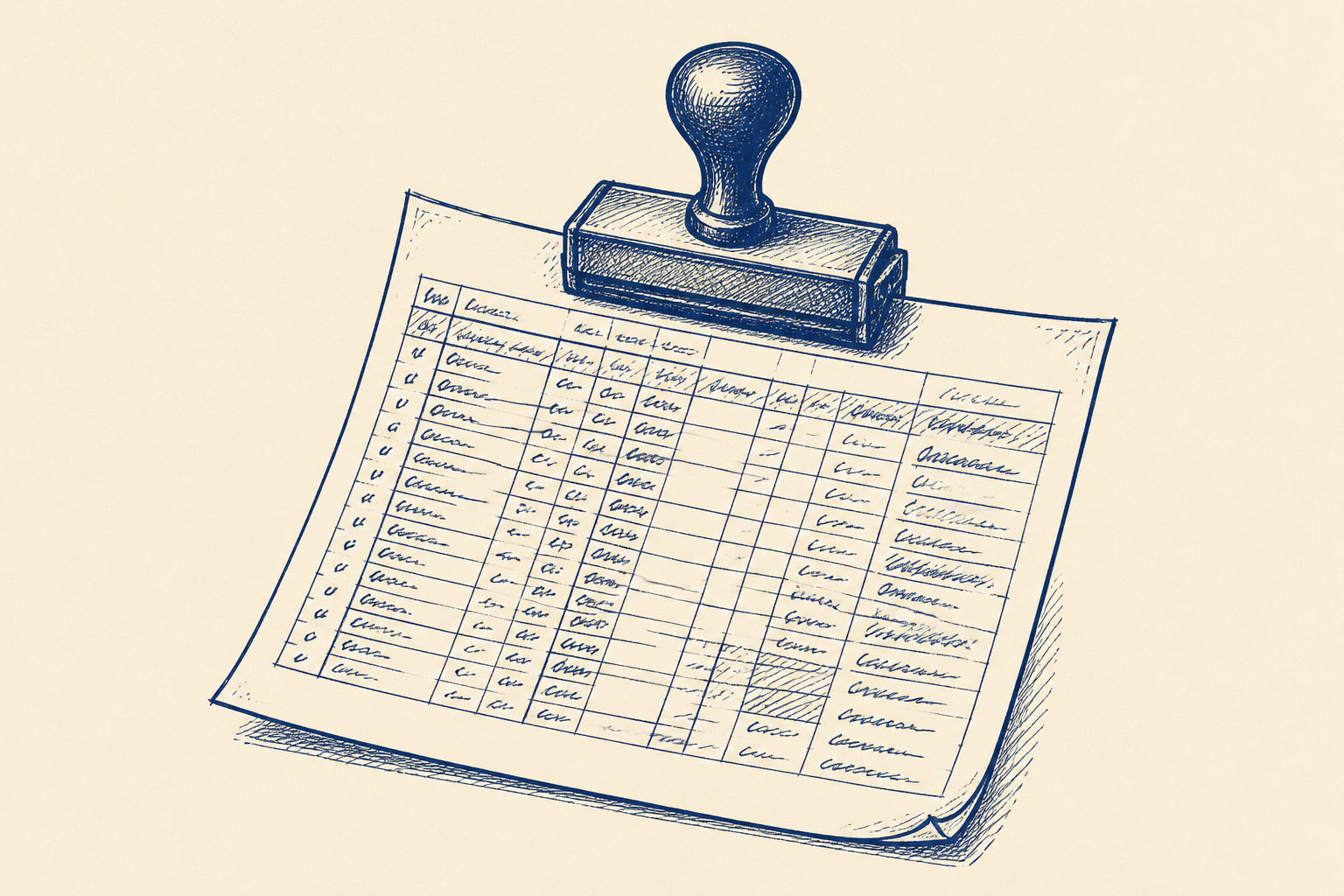
That matters because many SMEs still run important operational processes through spreadsheets that have quietly become systems. A spreadsheet starts as a sensible way to track jobs, orders, quotes, service requests, stock movements or onboarding steps. Then more columns are added. Then colour coding. Then a second version for finance. Then a copy for the operations manager. Soon the spreadsheet is not just holding data. It is trying to manage a workflow.
At that point, the problem is rarely the spreadsheet itself. The problem is that nobody can clearly see the current status, who has the next action, what was changed, what is missing, and who approved it. Staff chase one another by email or Teams. Managers reconcile different versions on Friday afternoon. Fields are skipped because they are not mandatory. New staff learn the process by asking the person beside them.
A small internal workflow app is often a better fit. It can have forms for structured data entry, status tracking, permissions, notifications, a simple approval queue and an audit trail. It does not need to be a major platform project. For many SMEs, the first useful version can be prototyped with sample data, tested by staff, and adjusted before it replaces the spreadsheet.
This is where workflow design and AI-assisted prototyping can help. AI can speed up the early build, generate draft forms, suggest validation rules, summarise current spreadsheet fields, and help produce a working first version. But the output is still decision support. A person reviews, tests and approves it before operational use.
Who should care
This is most relevant to owners, operations managers and department heads in SMEs with 10 to 250 staff where a repeated process depends on one busy spreadsheet.
Good candidates usually have a few signs in common. There is more than one person updating the file. The same information is typed into more than one place. Staff are unsure which version is current. The process has hand-offs between sales, operations, accounts, warehouse, service or compliance. Missing fields cause delays later. A manager spends time each week checking, cleaning or reconciling the data.
Examples include job scheduling, service requests, customer onboarding, supplier approvals, quote approvals, returns handling, site visit follow-up, grant or compliance evidence, stock adjustments, training records, and internal purchase requests.
The key test is simple. If the spreadsheet has become the place where people decide what happens next, it is no longer just a spreadsheet. It is a weak workflow tool.
This does not mean every spreadsheet should be replaced. Some spreadsheets are fine for analysis, one-off planning or small team tracking. The problem starts when the file becomes the live operating record for a repeated process, but lacks ownership, permissions, prompts and a clear history.
If you want a broader view of where these smaller AI projects fit, this Artellis insight on practical AI adoption is a useful companion. The same principle applies here. Pick a narrow workflow, make the next action clearer, and keep a human review step in the loop.
A worked example
Take a Dublin-based service company with 45 staff. It manages customer site requests in a spreadsheet. Sales enters the request. Operations assigns a technician. The warehouse adds parts availability. Accounts checks credit status. A manager signs off any job above a certain value.
In theory, the spreadsheet has all the information. In practice, it causes daily friction.
There are three copies in circulation. Sales sometimes forgets to fill in the site access notes. Operations changes the priority without telling accounts. A job can sit for two days because nobody knows it is waiting for approval. At the end of the week, the operations manager compares the live file with emailed updates and tries to work out what actually happened.
A small workflow app would not need to be complicated. It might start with five forms and six statuses.
The forms could cover new request, site details, parts check, credit check, and manager approval. The statuses could be new, awaiting parts, awaiting credit check, awaiting approval, scheduled, and closed. Each role would see the items relevant to them. Required fields would stop incomplete requests moving forward. Notifications would alert the next person when a hand-off happens. The audit trail would show who changed the status and when.
AI can help at the prototype stage. It can inspect a sample of the existing spreadsheet, identify common fields, suggest cleaner field names, draft a form layout, and propose simple validation rules. It can also help turn staff feedback into clearer requirements. For example, if technicians say they often arrive without gate codes, the site access field can become mandatory before scheduling.
The named human review step should be Process Owner Sign-off. In this step, the operations manager reviews the prototype against real sample cases, checks the required fields, tests the hand-offs, confirms permissions, and signs off the workflow before it replaces the spreadsheet. Staff should also test the app using sample data before any live process is moved.
The first version does not need every edge case. It needs to make the main flow visible and reduce avoidable chasing. The old spreadsheet can be retained for reference during a short transition period, but the new app should become the single place where status is changed once it is approved.
The value can be measured without guesswork. Track hand-off delays, duplicate data entry, missing fields, number of status-chasing messages, and time spent reconciling spreadsheets each week. If the workflow app cuts two hours of reconciliation and prevents several stalled jobs each week, the case for keeping it is clear.
Where I'd start
Start with one spreadsheet, not the whole business. Choose a process with repeated hand-offs and a clear owner. Avoid the most politically difficult process for the first project. Pick something visible enough to matter, but contained enough to improve in days or a few weeks.
First, map the current steps. Who enters the request? What information is needed? Who checks it? Who approves it? What causes delays? Where do staff copy and paste data? Which fields are often missing? Where does the manager get pulled in?
Second, mark the decision points. These are the moments where a person must review, approve, reject, assign or close something. Do not automate those decisions blindly. The app should support them with cleaner information, prompts and an audit trail.
Third, build a clickable first version using sample data. Keep it plain. Forms, statuses, permissions, notifications and a basic report are usually enough. Let staff try it with realistic examples. Watch where they hesitate. The hesitations are often more useful than the comments.
Fourth, run the Process Owner Sign-off. The named owner should confirm that the workflow matches how the business wants to operate, not just how the old spreadsheet happened to work. This is the point where the owner approves the design for limited live use.
Finally, measure before and after. Count the weekly reconciliation time, missing fields, duplicate entries and delayed hand-offs. If those numbers improve, you have a practical internal tool rather than another system for staff to feed.
The aim is not to replace spreadsheets everywhere. The aim is to stop using a spreadsheet where the business really needs a controlled workflow.
Common questions
- How do I know if a spreadsheet should become an app?
- If the spreadsheet controls hand-offs, approvals or live status, it may be doing the job of a system. Look for version confusion, missing fields, duplicate entry and regular chasing between staff.
- Will this mean replacing all our spreadsheets?
- No. Many spreadsheets are still useful for analysis, planning and simple tracking. The best first target is one repeated operational process where a spreadsheet has become the main workflow record.
- Where does human review fit in?
- Use a named step such as Process Owner Sign-off before the workflow goes live. The owner reviews sample cases, checks permissions and approves the app before it replaces the spreadsheet in day-to-day use.
One Workflow
One workflow a week, worth automating.
I look at what your company actually does and write you a short letter: the opportunity, the likely hours it gives back, how involved it is, where the human review sits, and a first step you could run yourself this week. Founding cohort, limited to 100 companies while I personally review every week's recommendations. Reply to any letter and you reach me, not a form.
See a sample letter and how it works
Everything in the letter is decision support: review, test and approve before anything runs in your business. Your email is used for One Workflow only.