

Blog
From Weekend Idea to Working App: Your Team Can Build It
Discover how practical AI tools allow SMEs to quickly build and deploy internal applications from a simple idea.
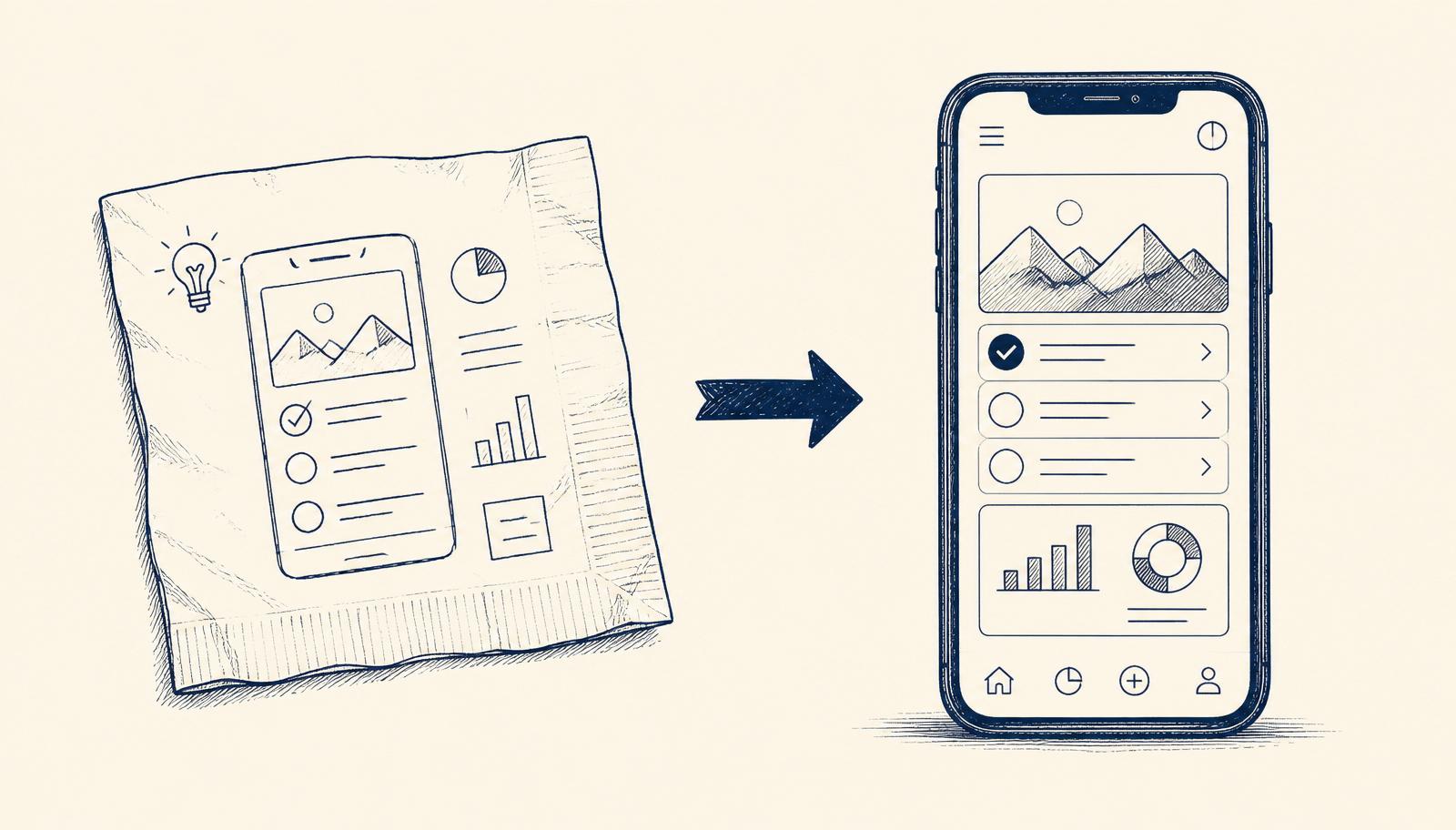
Imagine having an idea for a simple internal tool over the weekend that could genuinely help your team. In the past, this might have been a daunting, expensive project. Now, new AI-powered development environments are making it surprisingly straightforward.
Why this matters for SMEs
This shift means your operations lead, marketing manager, or even a customer service supervisor can sketch out a solution to a daily pain point and see it built quickly. It removes significant barriers for creating small, impactful applications for teams across your organisation, without needing to hire a dedicated professional developer for every task.
What it looks like in practice
Let's take Aoife, the Customer Service Manager at 'Galway Gardens', a mid-sized landscaping business with 30 staff. Aoife's team often wastes time manually logging customer queries from various channels into their CRM and then assigning them. It's repetitive, error-prone, and stops her team from focusing on actual customer support.
Before: When a customer called, emailed, or messaged via social media, a team member would manually enter the details into their CRM. This involved copying text, selecting categories, and assigning it to the next available agent. On a busy morning, this could take 5-10 minutes per query, leading to bottlenecks and potential missed follow-ups. Aoife had an idea for a 'Query Triage App' that would automate this, but assumed it would cost thousands to develop and take months.
After: Aoife discovers a user-friendly AI development environment. She describes her 'Query Triage App' idea in plain language: "I need a tool that takes incoming customer queries from email and a web form, categorises them (e.g., 'new quote', 'existing project', 'complaint'), and then pushes them into our CRM with an assigned agent." The AI tool proposes a plan: a simple interface for new queries, an integration point for emails, and a connection to their CRM. It then writes the initial code, builds the interface, and sets up the basic logic. Aoife tests it with real (anonymised) customer data, adjusting the categorisation rules and CRM mapping through conversation with the AI. Within a few days, she has a working prototype. She shares it with her team, they provide feedback, and she makes refinements. Six weeks later, Galway Gardens has a simple, effective 'Query Triage App' saving her team hours each week, built for a fraction of the cost she expected, primarily through her own input and the AI's assistance.
What could go wrong
- Over-scoping the first project can lead to frustration and incomplete tools.
- Underestimating the need for human oversight, especially for decisions affecting customers or critical data.
- The AI may generate code with subtle bugs or security vulnerabilities that require attention.
- Choosing a tool that doesn't align with your organisation's compliance or security requirements.
What to try this week
- Identify one small, annoying, manual task: Pick a repetitive workflow that takes up valuable time for yourself or a colleague. It should be simple, with a clear beginning and end.
- Explore a user-friendly AI development tool: Look into options like Replit, Lovable, or Windsurf. Many offer free trials or starter tiers. Focus on understanding their basic conversational interface.
- Sketch out your idea conversationally: Imagine you're explaining your chosen task to a very helpful junior developer. Write down the steps and what you want the tool to achieve. This will be your input for the AI.
This approach isn't about replacing your IT team; it's about giving your business new ways to solve problems quickly and efficiently.
One Workflow
One workflow a week, worth automating.
I look at what your company actually does and write you a short letter: the opportunity, the likely hours it gives back, how involved it is, where the human review sits, and a first step you could run yourself this week. Founding cohort, limited to 100 companies while I personally review every week's recommendations. Reply to any letter and you reach me, not a form.
See a sample letter and how it works
Everything in the letter is decision support: review, test and approve before anything runs in your business. Your email is used for One Workflow only.