

Blog
A safer AI workflow for regulatory requests
When a formal request lands, AI can help triage the scope and preserve information, but the legal or operations lead still signs off every step.
What shipped
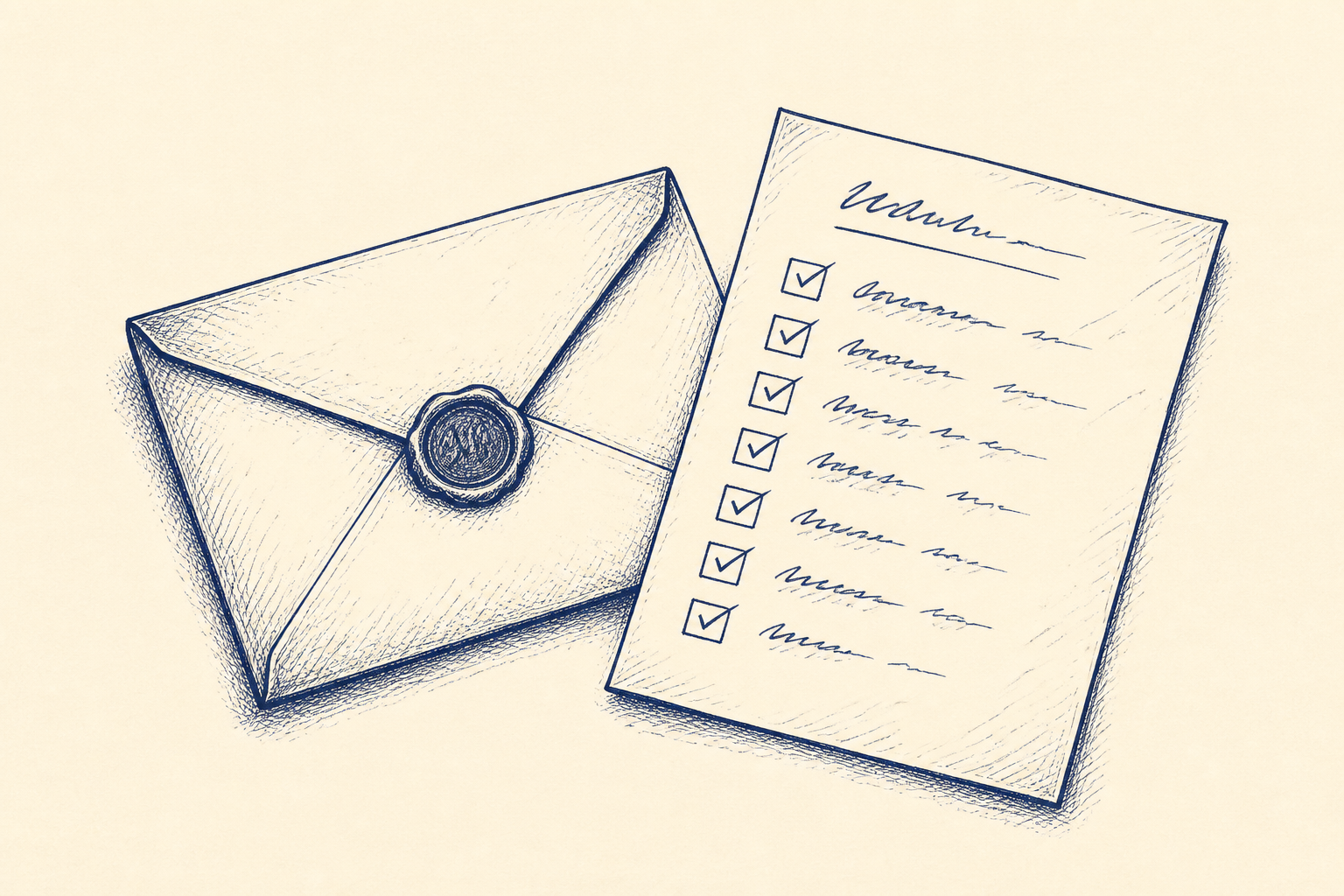
A useful SME workflow is now within reach: a formal request intake that reads an email or form submission, extracts the important details, and turns them into a preservation checklist and task list.
The request might come from a regulator, solicitor, insurer, public body, customer, former employee, or data protection contact. It may ask for emails, contracts, logs, call notes, board papers, health and safety records, HR files, or correspondence over a defined period. The risky part is rarely the first read. It is the scramble afterwards, when people search inboxes and folders in different ways, forget who holds what, or miss a deadline hidden in the wording.
The AI part is not a legal decision-maker. It is decision support, reviewed by a person before operational use. Its job is to structure the mess quickly:
- who sent the request
- what legal or commercial context is stated
- the deadline and any intermediate dates
- named people, companies, projects and locations
- date ranges
- document types requested
- exclusions, limits, or privileged material warnings
- likely systems to search, such as email, Drive, SharePoint or local folders
- a draft preservation notice and task list
The named human review step should be explicit. I would call it Legal lead review and sign-off. In a smaller firm that may be the managing director, operations manager, external solicitor contact, data protection lead, or compliance owner. The workflow should not send a response pack, notify a regulator, or release documents without that person reviewing the extracted scope, approving the search terms, checking exclusions, and signing off the final pack.
This is a good fit for Artellis workflow design because the value is not in buying a new AI tool. It is in redesigning the path from request received to response approved, with fewer informal hand-offs and a better audit trail.
Who should care
This matters to Irish SMEs that do not have a full legal operations team but still receive formal requests. That includes regulated services, engineering firms, healthcare suppliers, logistics businesses, professional services, manufacturers, construction firms, SaaS companies, charities, agencies and any business handling staff or customer personal data.
The trigger is usually familiar: a serious email lands in a shared mailbox and everyone asks, “Who owns this?” One person searches Outlook. Someone else checks SharePoint. A manager remembers a folder on a laptop. A former employee may have been involved. The request mentions dates, people and document types, but no one has turned those into a controlled checklist.
The risk is not only missing a deadline. It is also over-collecting, under-collecting, sending material without review, losing privilege, or being unable to explain later how the search was carried out. Even where the request is routine, the business loses hours because each case is handled from scratch.
AI can reduce the administrative load, but only if the workflow is designed around accountability. A request from a regulator or solicitor should not be treated like an ordinary customer query. It needs preservation, controlled search, review, and documented approval.
This is also where AI literacy matters. Staff need to know that the assistant can extract and organise, but not decide what is legally sufficient. For more practical AI adoption notes, see other Artellis insights on using AI in day-to-day SME work.
A worked example
Take a 70-person Irish manufacturing supplier. A solicitor emails the shared admin mailbox about an insurance dispute involving a site incident from the previous year. The email asks the company to preserve and provide correspondence, delivery records, inspection notes, incident reports and photographs relating to two named projects over a six-month period.
Today, the admin manager forwards the email to three people. The operations lead searches their mailbox. The finance team looks for delivery dockets. A supervisor checks a local folder. Someone asks whether WhatsApp messages count. The external solicitor receives partial material after a week, but no one is fully confident that the search was complete.
In the redesigned workflow, the email is dragged into a request intake folder or submitted through a simple internal form. The assistant reads the request and produces a structured intake summary:
- requester: solicitor firm and named contact
- matter: insurance dispute linked to named incident
- deadline: date stated in the email
- people: two project managers, one supervisor, one customer contact
- date range: 1 March to 31 August
- document types: emails, delivery records, inspection notes, incident reports, photographs
- likely sources: shared admin mailbox, project folders, finance delivery folder, SharePoint site, supervisor folder
- caution: possible privileged correspondence with insurer or solicitor
It then drafts a preservation checklist. This might include “pause deletion of relevant email”, “identify custodians”, “copy project folders to review area”, “record search locations”, and “confirm whether local photographs exist”. It also creates tasks for the operations lead, finance administrator and project manager, each with a due date.
The next step is not automation for its own sake. It is Legal lead review and sign-off. The operations lead and external solicitor review the extracted scope. They approve or amend search terms, such as project names, site names, customer names, incident references and date limits. They add exclusions, such as legal advice emails or unrelated customer files.
Only after that approval are searches run and files gathered into a controlled review folder. The assistant can help label documents, identify duplicates, and produce a draft index. It can also flag items that look outside the date range or may contain personal data. A person still checks the response pack before anything is sent.
The audit trail is simple but valuable: original request, extracted scope, approved search terms, systems searched, people assigned, documents gathered, exclusions noted, final sign-off. For an SME, that is often a major improvement over “we searched the usual places”.
Where I'd start
Start with one past request. Do not begin with a platform decision. Pick a real regulatory, insurance, solicitor or data protection request that caused stress, delay or uncertainty. Remove anything that is not needed for the exercise, but keep enough real structure to test the workflow.
Rebuild the process on paper first:
- Where did the request arrive?
- Who recognised it as formal?
- What fields had to be extracted?
- Who owned the response?
- Which systems had to be searched?
- Who approved the search terms?
- Who reviewed the documents?
- Who signed off the final pack?
Then define the extraction fields. Keep them practical: requester, matter, deadline, named people, organisations, date ranges, document types, systems to search, exclusions, legal sensitivity, internal owner and response status.
Next, build a small prototype using a sample of real documents. The aim is same-day triage, not full automation. Test whether the assistant can produce a useful first draft of the scope and checklist. Measure how much manual reading and searching it removes. More importantly, test where it gets things wrong or overstates confidence.
Finally, write the human control points into the workflow. For this use case, I would require at least three: intake owner check, Legal lead review and sign-off of scope, and final response pack approval. The assistant can speed up the work, but the business remains responsible for the judgement.
A good first version can often be delivered in days or a few weeks. It should leave the company with a repeatable request log, a preservation checklist, an approved search plan, and a calmer way to respond when the next formal email lands.
Common questions
- Can AI answer a regulatory or solicitor request for us?
- No. In this workflow AI provides decision support by extracting scope, drafting checklists and helping organise documents. A nominated legal, compliance or operations lead reviews the scope, approves searches and signs off the response before anything is sent.
- What systems can this kind of workflow cover?
- A practical first version can cover shared mailboxes, intake forms, SharePoint, Google Drive and agreed local folders. The key is to document which locations are in scope, who owns each search, and what exclusions apply.
- How would we start without creating a big project?
- Use one past request and rebuild the intake, extraction fields, preservation checklist and approval steps. Test the workflow on a small sample of real documents, then decide whether it saves enough time and reduces enough risk to roll out.
One Workflow
One workflow a week, worth automating.
I look at what your company actually does and write you a short letter: the opportunity, the likely hours it gives back, how involved it is, where the human review sits, and a first step you could run yourself this week. Founding cohort, limited to 100 companies while I personally review every week's recommendations. Reply to any letter and you reach me, not a form.
See a sample letter and how it works
Everything in the letter is decision support: review, test and approve before anything runs in your business. Your email is used for One Workflow only.