

Blog
Draft invoices from completed jobs without the copy and paste
A small AI workflow can turn completed job records into draft invoices, while leaving the finance decision with a person.
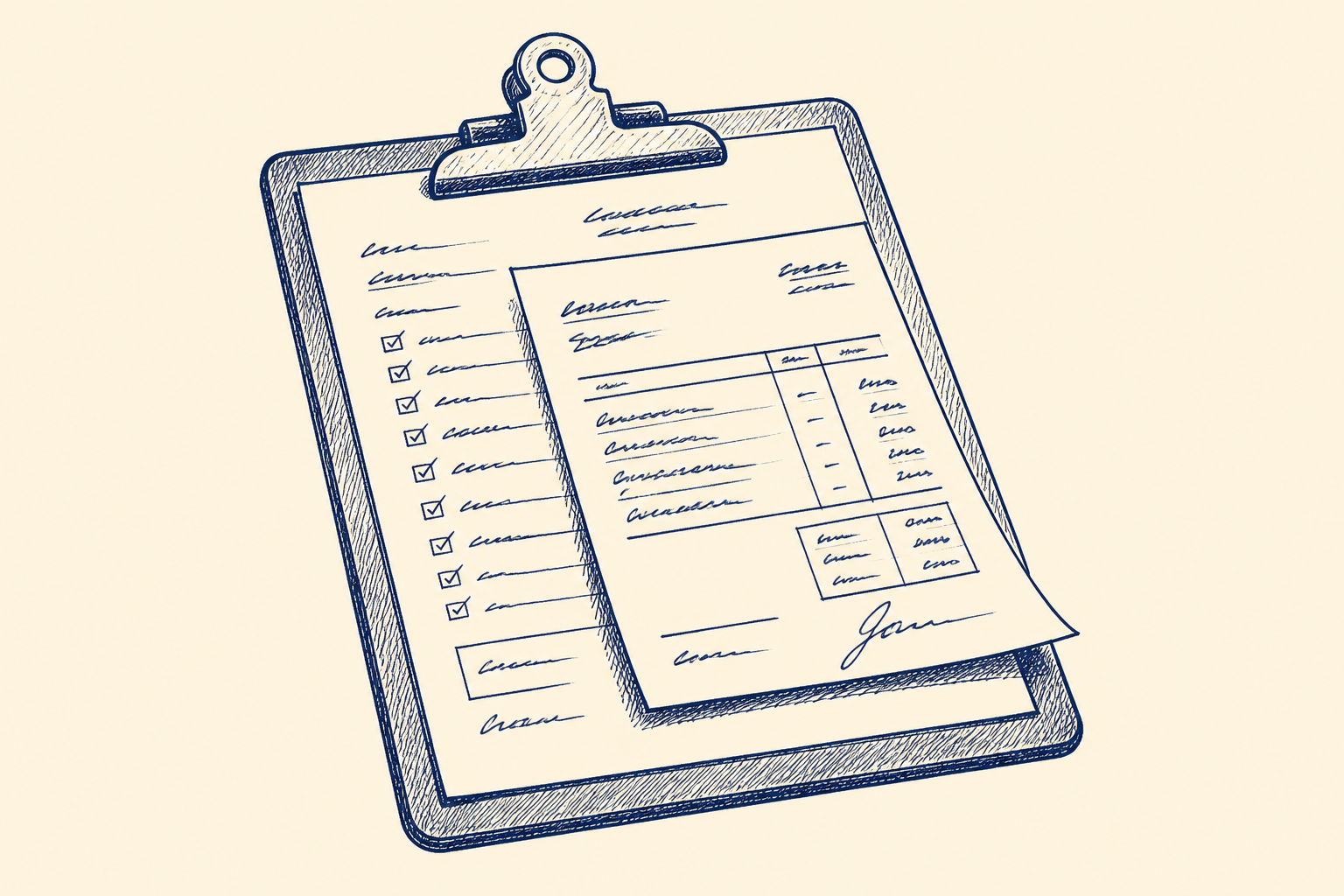
What shipped
The useful idea here is not a new invoice product. It is a workflow pattern: take a completed job record, read the client and billing details, draft an invoice in the system you already use, and stop before anything is sent.
For many Irish SMEs, the current process is still very manual. A job is marked complete in a CRM, a job sheet, a project folder, a service report, or an email from an engineer. Someone in finance or admin then opens Xero, QuickBooks, PayPal, or a Word invoice template. They copy across the client name, address, PO number, job description, call-out fee, hours, parts, mileage, discounts, and VAT treatment. They may check a price list or a quote. If the job is awkward, they ask the person who did the work.
That is a perfect place for AI-assisted workflow design. The AI is not deciding what the customer owes. It is helping gather the right fields and turn them into a structured draft. The review step is named and explicit: Finance Review and VAT Check. A finance or admin person checks the amount, customer, PO number, wording, VAT treatment, and attachments before approving the invoice for sending or posting.
This matters because invoice preparation is rarely one big problem. It is a small delay repeated hundreds or thousands of times a year. Ten to twenty minutes per invoice does not sound like much until you multiply it by weekly service jobs, call-outs, retainers, or project milestones. The bigger risk is not just time. It is missed billing details, inconsistent descriptions, forgotten extras, and delayed cash collection.
A sensible first version should be draft-only. It should create an invoice draft or a populated invoice document. It should not send invoices automatically. It should not post to accounts without approval. It should produce decision support, reviewed by a person before operational use.
Who should care
This is worth looking at if your business completes jobs before billing them. That might include trades, maintenance firms, professional services, agencies, managed service providers, training companies, engineering firms, fit-out businesses, inspection services, and field service teams.
The signs are familiar. Invoices are prepared in batches on a Friday. Job notes sit in email threads. The quote is in one folder, the client details are in another, and the PO number is in a message from three weeks ago. Admin staff spend time chasing technicians, project managers, or account managers for missing details. Owners worry that small additions are not being billed because nobody has time to reconstruct the job properly.
This is also relevant if you have already standardised parts of the process but still have too many hand-offs. You may already use Xero or QuickBooks. You may already have HubSpot, Zoho, Airtable, Simpro, Monday, ServiceM8, Jobber, spreadsheets, SharePoint, or Google Drive. The opportunity is not to replace everything. It is to connect the job completion record to invoice drafting in a controlled way.
There are limits. If every invoice requires complex commercial judgement, legal interpretation, or negotiation, AI should not be creating the first draft without a tighter process. If your data is scattered, inconsistent, or not trusted, the first job is to define the workflow and the fields, not to add automation. If your accounting system is locked down by an external provider, you may need a template-based draft before an app integration.
This is why the service line that fits best is workflow design. The value is in mapping the hand-off, deciding what the AI is allowed to read and draft, building the review point, and testing it against real completed jobs. The AI model is only one part of the change.
A worked example
Take a Dublin-based maintenance company with 35 staff. It services commercial premises, handles small repair jobs, and does planned maintenance. Jobs are logged in a CRM and completed by field staff using job notes and photos. Finance invoices twice a week.
At the moment, an admin person opens the completed job list, reads the notes, checks whether the client has a fixed rate, looks for a purchase order, and drafts an invoice in Xero. The job might include a call-out charge, labour, parts, parking, and a short description of the work. Some clients need the site address on the invoice. Others need the PO in a specific field. A few have agreed rates that differ from the standard price list.
A first AI workflow could work like this.
When a job is marked complete, the workflow collects the job ID, client name, site address, contact, completion date, job notes, materials used, labour hours, quote reference, and any PO number. It checks the client record for billing address, VAT status, agreed rate card, and invoice preferences. It pulls the relevant price list or quote where available. It then prepares a structured invoice draft: line items, quantities, descriptions, suggested VAT code, internal notes, and a confidence flag where information is missing or unclear.
The output appears as a draft invoice in Xero, or as a populated document template if direct accounting integration is not suitable at the start. Nothing is sent. The draft includes a short review note such as: “PO found in job email. Labour hours taken from completed job record. Parts list matched to standard price list. VAT code suggested based on customer record.”
The named human review step is Finance Review and VAT Check. The reviewer opens the draft, compares it with the job record, checks the client and amount, confirms the VAT treatment, edits the wording if needed, and approves sending. If the AI could not find a PO number, rate card, or clear completion note, the draft is marked for follow-up rather than pushed through.
A practical pilot would use 10 recent completed jobs and the final invoices that were actually sent. For each one, compare the AI draft to the real invoice. Did it find the right customer? Did it choose the right rate? Did it miss parking, parts, or a discount? Did it word the description clearly? Did it treat VAT correctly? The test is not whether the AI sounds clever. The test is whether the finance reviewer can get from completed job to approved invoice faster and with fewer omissions.
A related Artellis note on using AI safely in everyday SME work is available in the insights library. The same principle applies here: use AI to prepare and structure, then keep a person accountable for the decision.
Where I'd start
Start with one invoice route, not the whole finance function. Pick one common job type, one accounting tool or invoice template, and one reviewer. Avoid special cases for the first week.
In week one, gather 10 recent completed jobs and their matching invoices. Include normal jobs, one job with parts, one job with a PO, one job with a discount, and one job where something was missed or corrected. Map the fields needed to create a good draft: customer, billing address, site address, contact, PO, job date, description, labour, materials, rates, VAT code, attachments, and internal notes.
Then decide where each field should come from. Some fields may come from the CRM. Some from job notes. Some from a price list. Some from the accounting system. If nobody can say where a field should come from, that is a process issue to fix before automation.
The first build should create drafts only. It should have clear labels for “found”, “assumed”, and “missing”. It should keep a log of source records used, so the reviewer can see why a line item was suggested. It should have a simple exception route for anything uncertain.
After that, measure three things: minutes saved per invoice, number of edits per draft, and number of billing details caught that might otherwise have been missed. If the reviewer still has to rebuild every invoice from scratch, the workflow is not ready. If the reviewer is mainly checking and approving, it is doing its job.
For many SMEs, this is a days-to-weeks change rather than a large platform project. The right outcome is not automatic invoicing. It is faster invoice drafting, clearer review, and fewer missed details, with finance still in control.
Common questions
- Can AI create invoices automatically for my business?
- It can help create invoice drafts, but it should not send or post them without approval. The safe first step is a draft-only workflow with a named Finance Review and VAT Check before operational use.
- What systems do I need for invoice drafting automation?
- You need a reliable source for completed job details and a place to create the invoice draft, such as Xero, QuickBooks, PayPal, or a document template. The workflow can start small with one job type and one invoice route.
- How do I know if this will save enough time?
- Test it on 10 recent completed jobs and compare the AI drafts with the invoices you actually sent. Measure minutes saved, edits needed, and missed billing details caught before deciding whether to expand it.
One Workflow
One workflow a week, worth automating.
I look at what your company actually does and write you a short letter: the opportunity, the likely hours it gives back, how involved it is, where the human review sits, and a first step you could run yourself this week. Founding cohort, limited to 100 companies while I personally review every week's recommendations. Reply to any letter and you reach me, not a form.
See a sample letter and how it works
Everything in the letter is decision support: review, test and approve before anything runs in your business. Your email is used for One Workflow only.